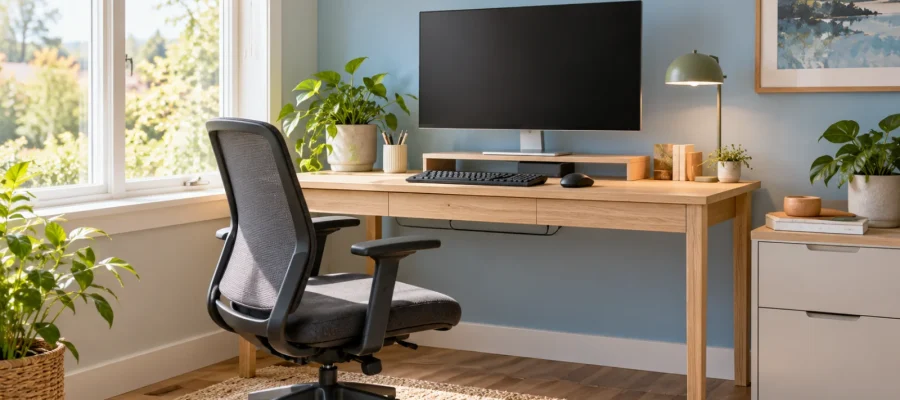
A useful small home office layout gives the screen enough depth, keeps the keyboard and mouse easy to reach, and places storage outside the space needed for your legs and chair. Start by fitting the work position into the room. Add shelves and decorative pieces only after checking that you can sit, move and use the equipment comfortably.
The smallest desk is not always the best space-saving choice. A slightly larger surface may prevent the monitor, paperwork and input devices from competing for the same narrow strip.
Choose the layout around the room’s constraints
| Layout | When to consider it | What to check |
|---|---|---|
| Desk along a wall | A simple workstation in a shared room | Screen depth and chair movement |
| Desk perpendicular to a window | A possible way to position daylight beside the work area | Reflections at the actual working hours |
| Corner arrangement | Equipment needs more depth than one short wall provides | Reach and usable space behind the desk |
| Desk plus side storage | Files or a printer need a separate home | Door opening and the route through the room |
These are planning options rather than fixed rules. Map the door swing, window, outlets and other furniture before choosing a layout.
Fit the equipment to the person
OSHA’s workstation guidance recommends a monitor top at or just below eye level, relaxed shoulders, supported lower back and feet resting flat. Its desk guidance also emphasizes enough depth for the monitor and enough clear space for the legs.
Use those principles as a setup check, adjusting for the user and equipment. Do not buy a desk only because it matches a photograph. Sit at a realistic mock-up and check where the screen, hands and chair would be.
A laptop can make the trade-off obvious: raising its screen also raises its built-in keyboard. If you raise the laptop for screen positioning, consider a separate keyboard and mouse that can remain at a suitable working height. Confirm that everything fits before ordering a stand.
Test the light before fixing the position
Try the proposed screen position during the hours when you normally work. Look for window reflections, a bright background behind the display, and shadows across paperwork.
A desk beside a window is a starting option, not a guarantee against glare. The window’s direction, nearby surfaces and time of day change the result. Move a temporary surface or screen to compare positions, then decide whether an adjustable window covering or task lamp is needed.
Keep the lamp adjustable enough to illuminate the task without becoming a bright reflection in the display. You should not need to abandon an otherwise useful position simply because a decorative lamp cannot move.
Give storage a job
Separate what you use repeatedly from what you use occasionally. Keep the keyboard, mouse and current work within the main work area. Put rarely used supplies elsewhere rather than filling the desk with containers.
Check a printer’s complete operating footprint, including trays and access for paper or maintenance. Place it where it can be used without taking over the keyboard area. Do the same for cabinet drawers: their open position matters as much as their closed footprint.
If you prefer characterful furniture, our article on vintage furniture in office decoration offers visual inspiration. Check any chosen piece against your equipment and working position rather than assuming that its appearance establishes suitability.
An illustrative shared-room setup
Imagine a spare room containing a guest bed and a workstation. A small desk fits neatly into a corner, but a deep monitor base leaves too little room for the keyboard. A stack of files occupies the remaining leg space.
The owner tests a deeper work surface along another wall, moves occasional files to a separate cabinet, and checks the window reflection during afternoon work. The printer sits on the side cabinet rather than beside the mouse. They then measure the chair’s movement with the guest bed in use.
The improvement comes from arranging the whole activity, not simply choosing smaller furniture.
Common mistakes and final checklist
- Do not use the leg space as overflow storage.
- Allow for the monitor base, keyboard and mouse together.
- Check the chair and cabinet with doors and drawers open.
- Keep cables from crossing the walking route.
- Test daylight and lamps at normal working times.
- Review the setup after a normal working session.
Frequently asked questions
Does a small home office need a corner desk?
No. A corner can provide useful depth, but an unsuitable shape may make equipment difficult to reach. Compare the usable work position with a straight desk before choosing.
Can the office share a bedroom or living room?
Yes, when both activities still function. Check circulation, storage and lighting, and create a simple end-of-day routine so equipment and paperwork do not spread across the shared space.
Ultimas Entradas Publicadas
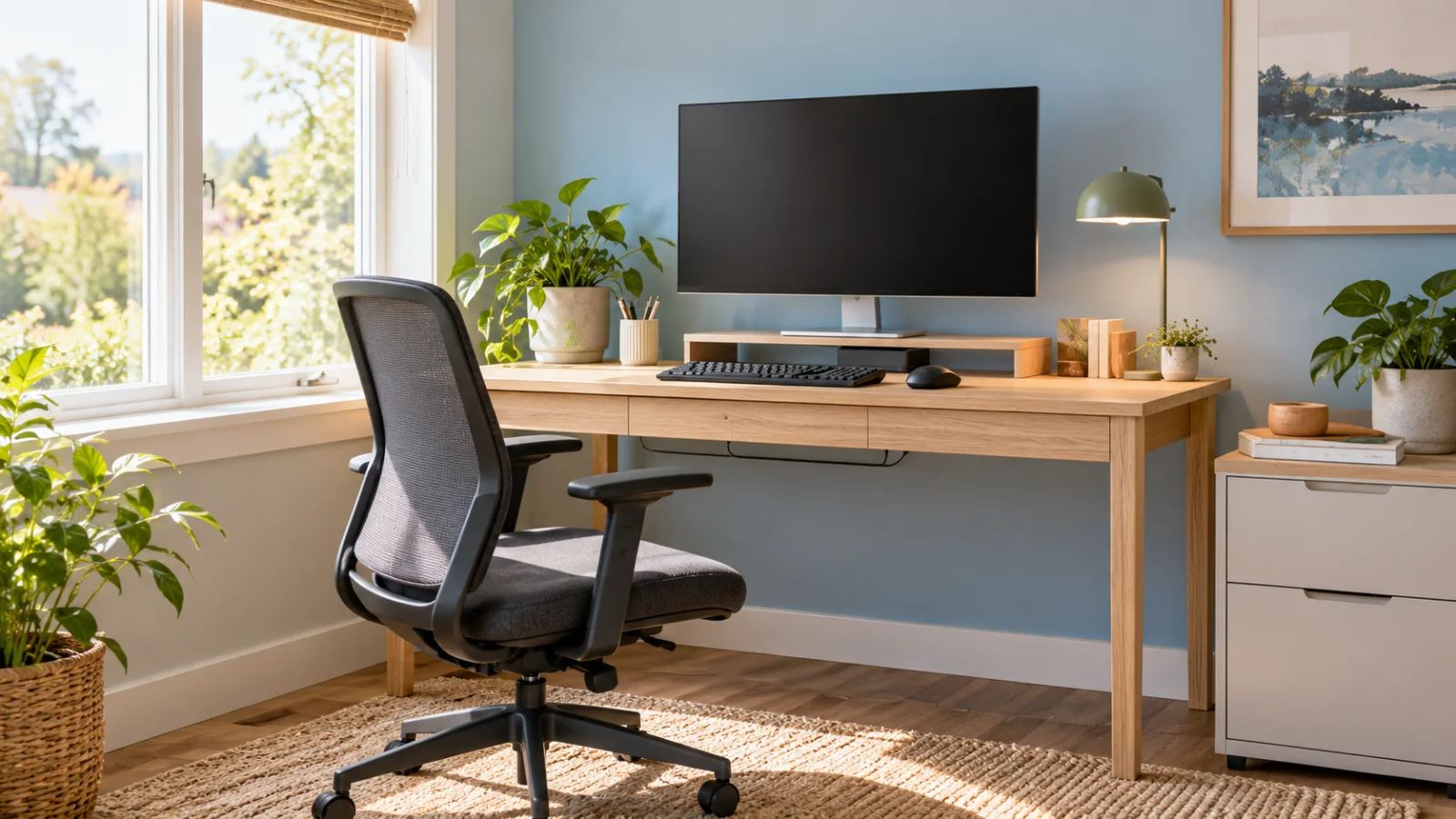
Small Home Office Layout: Desk, Screen and Storage
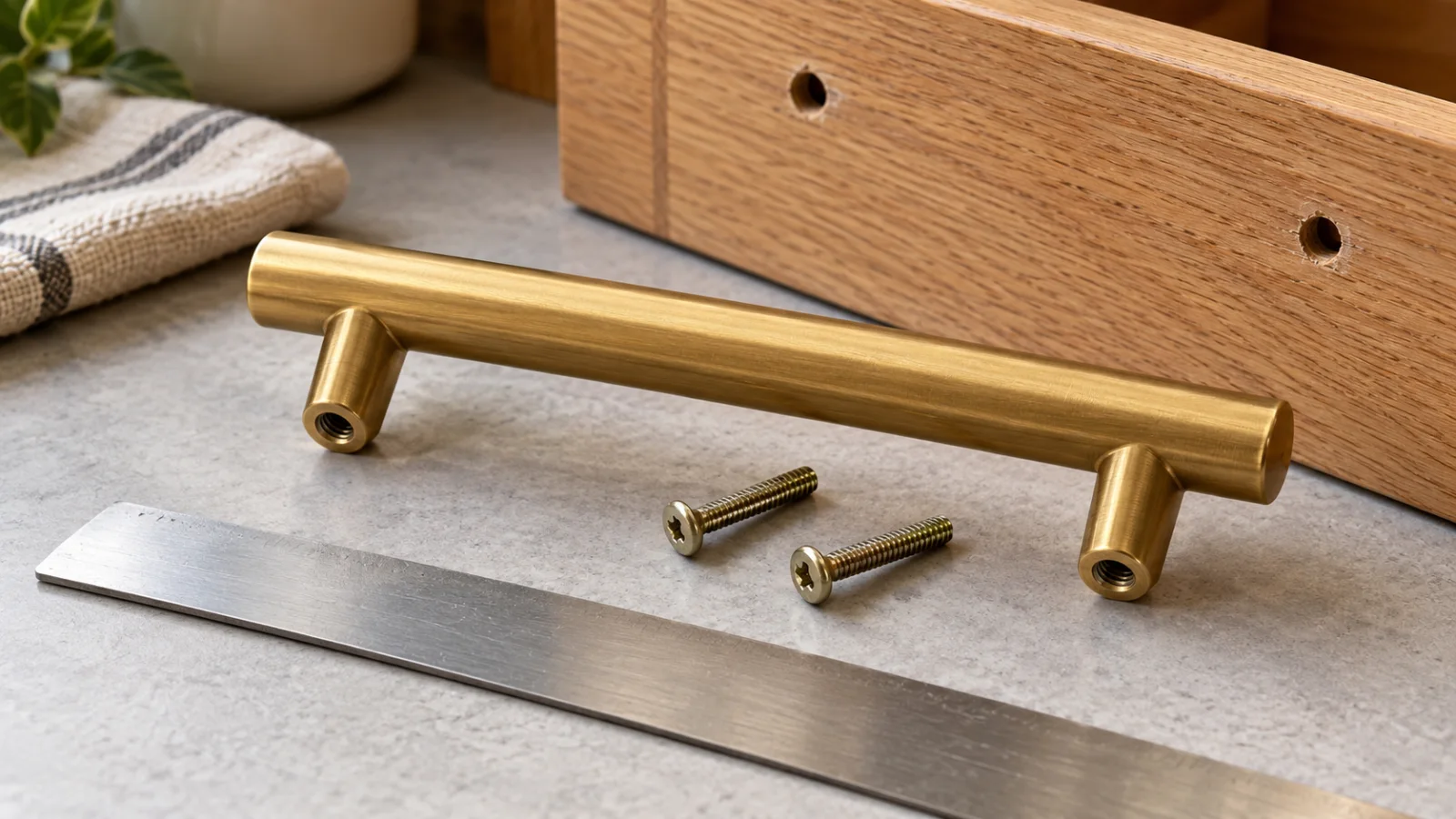
Cabinet Handles: How to Measure Center-to-Center Correctly
Kitchen Backsplash Materials Compared: Cleaning, Fit and Finish
Rental-Friendly Entryway Storage Without Blocking Access
Curtains vs Blinds: Privacy and Light Control

Aluminum vs Wood Outdoor Furniture: How to Choose

Balcony Container Gardening: Sun, Pots and Watering

Closet Organizers: Measure Before Choosing a System
Bathroom Exhaust Fans: What to Check Before Buying